
Compare official requirements with the scene that actually lags
- Step 1: Open the official Valheim system-requirements page reached by the query
valheim system reqs, and compare the listed operating system, CPU, memory, graphics, storage, and display with the computer you will use. - Step 2: Launch the same large base or multiplayer scene that causes the problem and record frame behavior before changing settings.
- Step 3: Lower one setting at a time—such as shadows, vegetation, or view distance—replay the same scene, record the before/after result, and keep the setting that produces a measurable improvement.
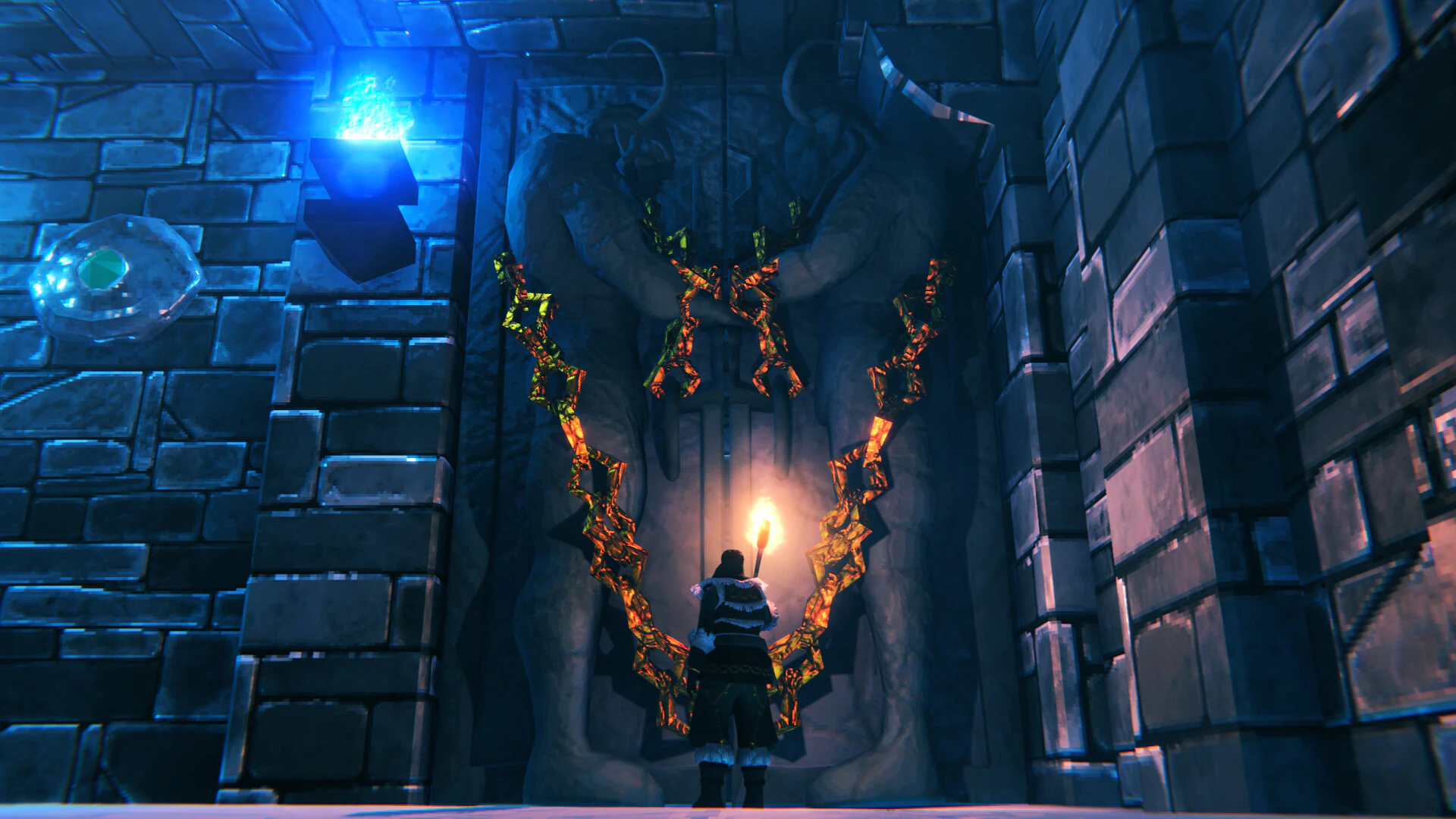
Steam’s current listing gives Valheim a minimum of a 64-bit Windows 10 system, an Intel Core i5 3 GHz or AMD Ryzen 5 3 GHz processor, 8 GB RAM, a GeForce GTX 950 or Radeon HD 7970 graphics card, and 1 GB available storage. The listed recommended configuration is Windows 10 or later, an Intel Core i5 3 GHz or AMD Ryzen 5 3 GHz processor, 16 GB RAM, a GeForce GTX 1060 or Radeon RX 580 graphics card, and 1 GB storage. These are launch baselines, not a guarantee for a large base at high resolution.
If the game starts but stutters, first lower shadows, vegetation, and view distance in the same crowded base or multiplayer scene. Change one setting at a time. A frame-rate drop only when loading a large world or joining a server points to world or network work rather than a simple graphics preset problem.
For a useful comparison, record resolution, preset, frame rate, memory use, and whether the scene is solo or multiplayer. Stand in the same crowded base for each test, keep the camera angle similar, and change only one option. This separates a graphics bottleneck from a world-load or network problem.
- Compare operating system, CPU, memory, graphics, storage, and display with the machine you will use.
- Record behavior in the same large base or multiplayer scene before changing settings.
- Keep the setting that produces a measurable improvement without making the scene unreadable.
Choose a different option when the situation changes
- Lower one graphics setting and retest the same scene.
- Update the graphics driver before changing unrelated settings.
- Treat minimum requirements as a launch baseline, not a high-setting promise.