
Search the wiki from the action you need to perform
- Step 1: Search the wiki using the action you need—summon, craft, tame, sail, install, or recover—and open the guide for that item, boss, command, or world file.
- Step 2: Copy the required item, gate, route, or command into the world log, then check the same item or setting in the current game before spending resources.
- Step 3: If two pages disagree, open their source links, test the smallest difference in a copied world, and keep only the answer that matches the current client.
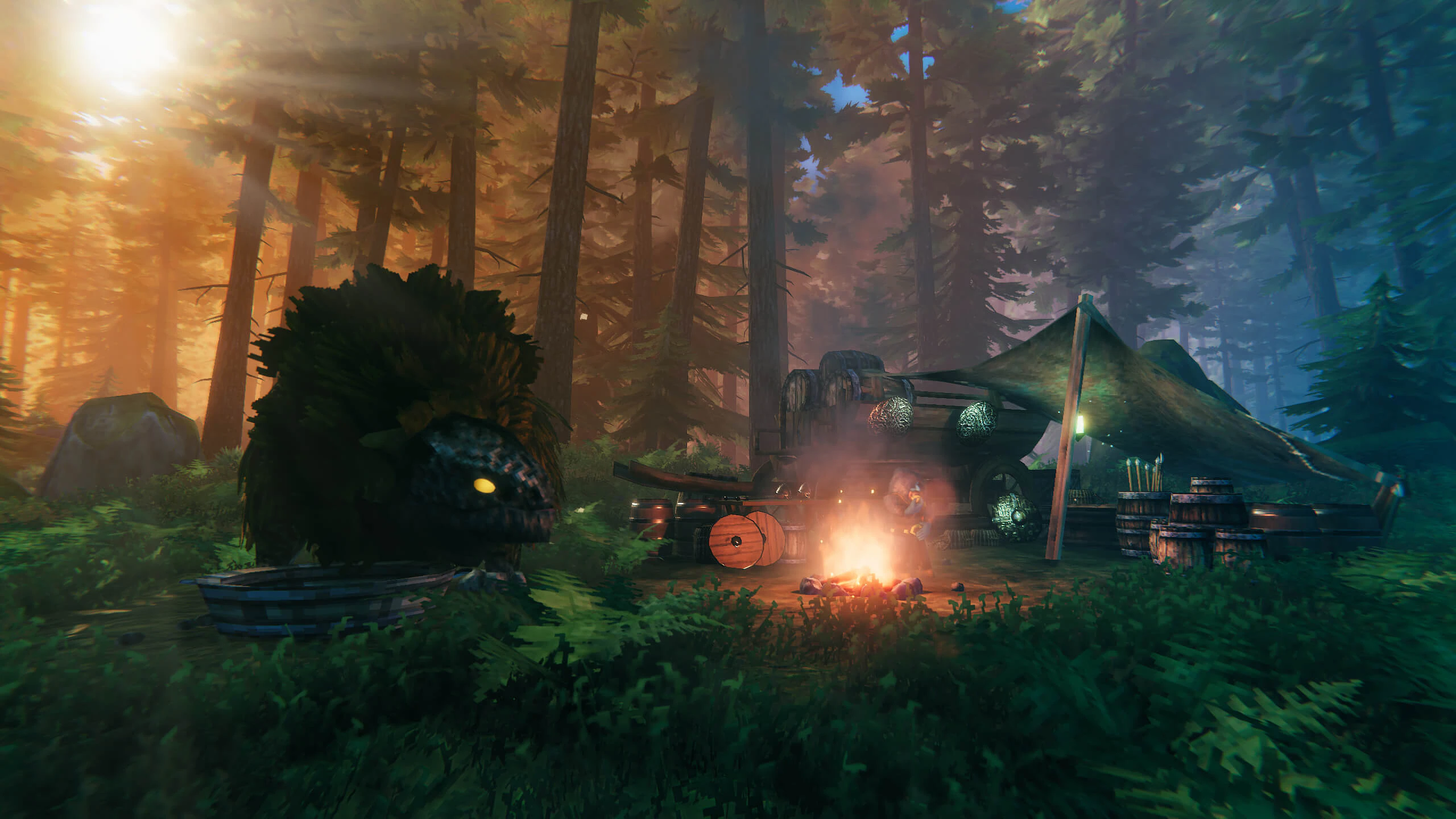
Use the action and the object to find the right Valheim guide. “Summon The Elder,” “craft a pickaxe,” “tame a wolf,” and “move cargo by boat” lead to more specific answers than a broad item or command list.
Choose a page by the problem you need to solve:
| Your immediate task | Start here | What to confirm before acting |
|---|---|---|
| Decide what to do next | Biome and boss progression | The current boss reward, next biome threat, food, resistance, and recovery route. |
| Choose food for a trip | Food guide | Station, ingredients, health/stamina/Eitr trade-off, and replacement supply. |
| Find a character or merchant | NPCs and merchants | Native character versus mod, world marker, service, and repeatable route. |
| Sail or move cargo | Boats and sailing | Boat, wind, landing, portal, repair, and unloaded test crossing. |
| Install or test a mod | Mod installation | Loader, dependency, save backup, multiplayer scope, and rollback. |
| Recover or move a world | World file guide | World ownership, backup copy, version, and the restore result. |
If you do not know the exact term, start with a verb—craft, summon, tame, sail, install, find, or recover—then add the item, character, boss, or world name. For example, search for “summon The Elder” or “tame wolf” instead of a broad list of every item or command.
Start with the action you want to perform, then open the guide whose title matches the item, boss, command, or world task. Read the requirements and failure condition before travelling. Copy the exact result into a note or game plan, and return after an update if the recipe, setting, or platform behavior has changed.
- Copy the item, gate, route, or command into the world log after reading it.
- Check the same result in the current game before spending rare resources.
- When pages disagree, compare their update context and test the smallest difference in a copy.
If the result does not match
- Open the source link when two pages disagree.
- Check the item or setting in game before spending rare resources.
- Discard an answer that has no clear claim or verification path.
Do not resolve a conflict by choosing the page with the most numbers. First compare the game version, platform, single-player or server context, and whether the source describes vanilla Valheim or a modded profile. Then test only the disputed step in a copied world. Keep the result that matches the current client and record the failed condition so the same mistake does not return on the next trip.
Before following a guide
For recipes, commands, save changes, server settings, and boss routes, check the version, platform, world type, and Mod status before following the steps. A source written for an older client may show a different recipe, setting, or progression gate.