9/12/2026 Valheim 1.0 Last updated: 9/12/2026 2 min read
FAQ
What should I prepare first?
Copy the exact seed into the viewer’s seed field, select the matching game version or map mode, and press Generate or the equivalent map action.
What should I verify before using the result in a shared world?
The marker matches the current world and the map has not been mistaken for a teleport or safety guarantee.
Interactive checklist
Use a seed viewer for a defined question
Choose whether you are inspecting layout, planning a route, or checking a marker against the real world.
Use the viewer to understand the map shape while keeping it separate from the save.
0/3 complete
[{"label":"Inspect the layout","value":"layout","answer":"Use the viewer to understand the map shape while keeping it separate from the save.","steps":["Copy the exact seed, including capitalization, into the viewer seed field.","Select the matching game version or map mode, then generate the map.","Read the biome and landmark placement as planning information; record the seed beside the world name."],"note":"The generated map is a reference, not a teleport or safety guarantee."},{"label":"Plan a route","value":"route","answer":"Use markers to choose a portal, landing, staging base, or boss approach.","steps":["Mark the current base and the target location on the generated map.","Choose a route with a safe return and note the landing, portal, and storage points in the world.","Scout the real route with a small load before moving rare cargo based on the viewer."]},{"label":"Check a mismatch","value":"verify","answer":"Compare one known landmark before trusting any other marker.","steps":["Confirm the world name, seed, version, and source of the seed.","Compare one recognizable landmark or biome edge between the viewer and the live world.","If it does not match, preserve the original seed and stop using the generated map until the inputs are resolved."]}]
Ask the viewer one bounded question
1
Step 1: Copy the exact seed into the viewer’s seed field, select the matching game version or map mode, and press Generate or the equivalent map action.
2
Step 2: Use the map search or marker controls to answer one question, such as a boss region, base area, or sailing route, and write down the coordinates.
3
Step 3: Travel to one known landmark in the actual world to calibrate the map before sharing or following the new marker with rare cargo.
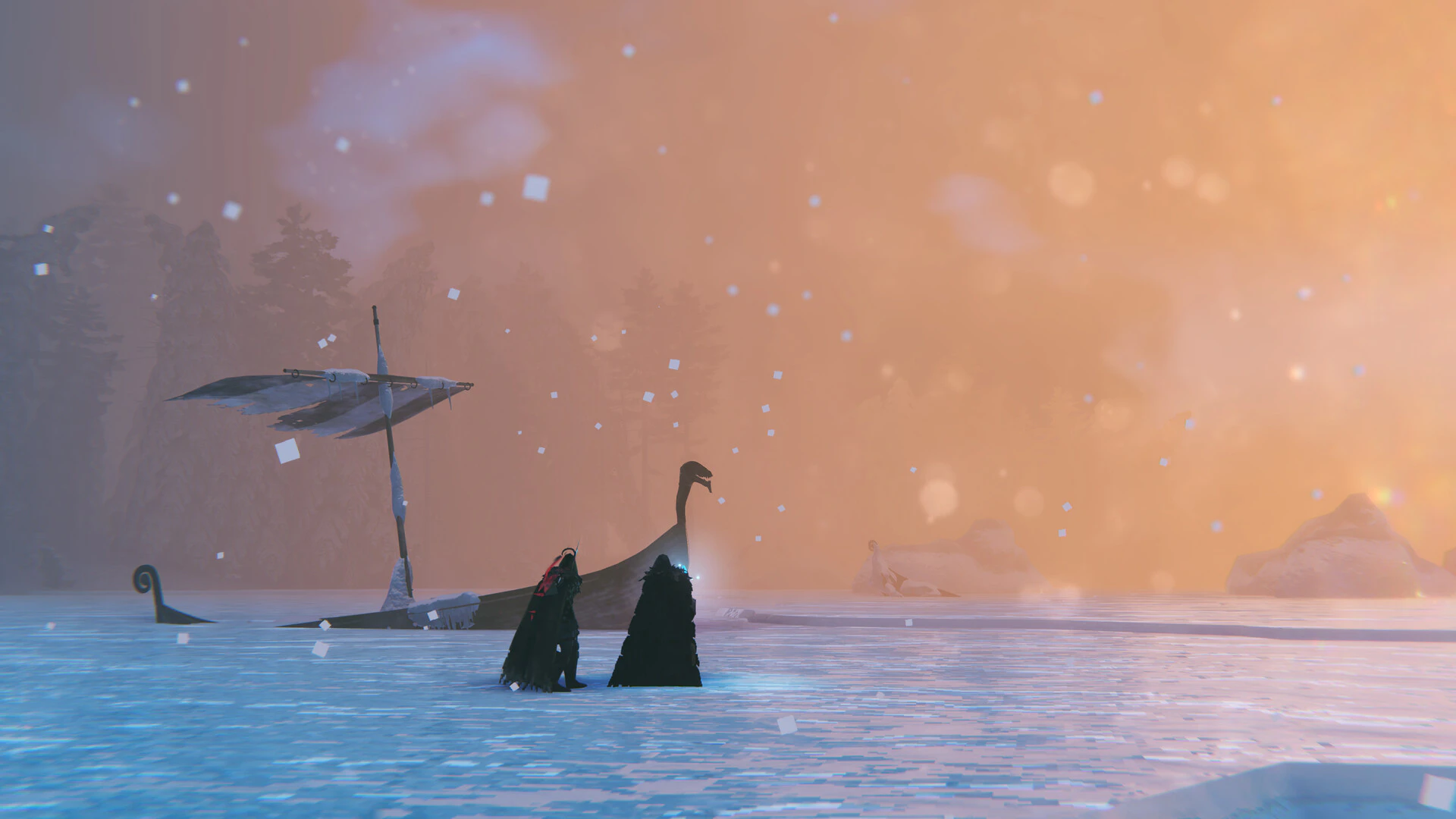
The map is most useful when it reduces one decision: where to scout, which coast to sail, where a boss region may be, or which base area to compare. Treating every marker as a guaranteed route creates a second problem.
Before generating a map, paste the seed into a plain text note, select the matching game version, and save the viewer URL with the world name. Compare spawn, a nearby coast, or a known boss marker against the live world. If that anchor is wrong, stop and recheck the source before planning a long voyage.
Select the matching version or map mode before generating the result.
Write down only the coordinates or region needed for the current trip.
Check one known landmark in game before sharing the new marker with players carrying rare cargo.
When the record does not match
Re-enter the seed and version if markers are displaced.
Compare a known landmark before trusting new coordinates.
Keep exploration and discovery goals visible when using a viewer.