
Do not infer the Tankard’s function from its name
- Step 1: Open the current item record or update page and confirm whether the Tankard is a decoration, emote prop, or functional item before farming for it.
- Step 2: Move the item to the hotbar or equip slot in a copied world, use the interaction key shown by the game, and observe the result without changing the main inventory.
- Step 3: Record the confirmed source and interaction in storage, then keep the original copy until another player can reproduce the same behavior.
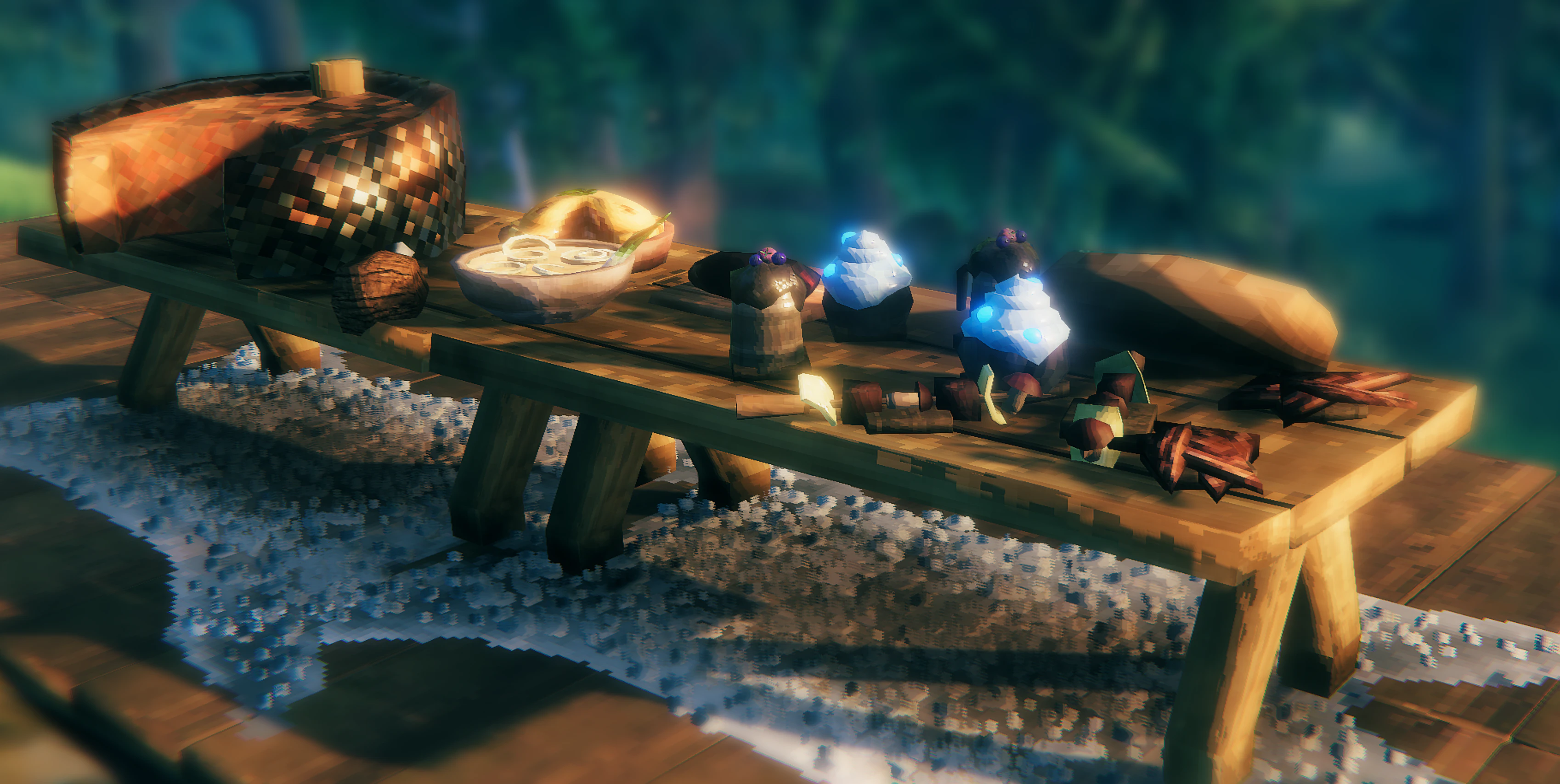
The Tankard is a one-handed cosmetic drinking cup, not a food or mead container. Current item data lists a level 1 Workbench recipe of 5 Fine Wood and 2 Resin. It has a small melee attack but provides no food buff, stamina effect, or drink effect. Use it for role-play and decoration; do not farm it expecting a combat bonus.
If the recipe does not appear, discover Fine Wood and Resin first and check that the Workbench is in range. A later patch or cosmetic Mod can change its display, so follow the recipe shown by the current client.
- Use a copied world and move one copy to the hotbar or interaction slot.
- Observe the client response without changing the main storage or consuming the only copy.
- Let another player reproduce the interaction before describing it as a reliable feature.
Common mistakes
- Do not discard the item while its role is unclear.
- Test the interaction in a safe world.
- Recheck official updates before publishing a recipe or gameplay claim.