Skip to content
Powered by Pagefind
Valheim Guides

Valheim World Guide: Seeds, Saves & Multiplayer

9/12/2026 Valheim 1.0 Last updated: 9/12/2026 2 min read

FAQ

What should I prepare first?
Create or select the world, write down its name, seed, owner, version, and world modifiers, and decide whether the host or dedicated server is authoritative.
What should I verify before using the result in a shared world?
The backup identifies the world, seed, owner, settings, version, and restore path.

WORLD DASHBOARD • BEFORE YOU CHANGE

Record world state before creating or migrating

Route map · 3 checks

1 2 3 NEXT known state
Available Verify Required
World record Verify Write the seed, modifiers, owner, host, version, and backup path beside the world name before the first boss or update.
Modifiers Verify Take a dated backup before a reset, provider migration, update, or mod experiment.
Restore path Required After a restore, verify the world, inventory, settings, and join path separately; a successful load alone does not prove the migration is complete.

Interactive guide

Choose by situation

Solo world

Keep ownership and backups local

Record the seed and world settings next to the save.

Co-op world

Define the host and progression rules

A shared log prevents world state from living in one player's memory.

Dedicated server

Treat the server save as the source of truth

Access, backups, and migrations need explicit administrators.

Interactive checklist

Record the world before changing it

Choose the ownership model so the right player changes the right state and can restore it.

Keep the world name, seed, modifiers, version, and backup beside the local save.

0/3 complete

Make world management a recorded workflow

  1. Step 1: Create or select the world, write down its name, seed, owner, version, and world modifiers, and decide whether the host or dedicated server is authoritative.
  2. Step 2: Before the first boss, update, reset, migration, or mod test, close the game and create a dated backup of the world and related save data.
  3. Step 3: After creating or restoring the world, test loading, inventory, settings, player join, and portal access separately, then record the confirmed restore path.
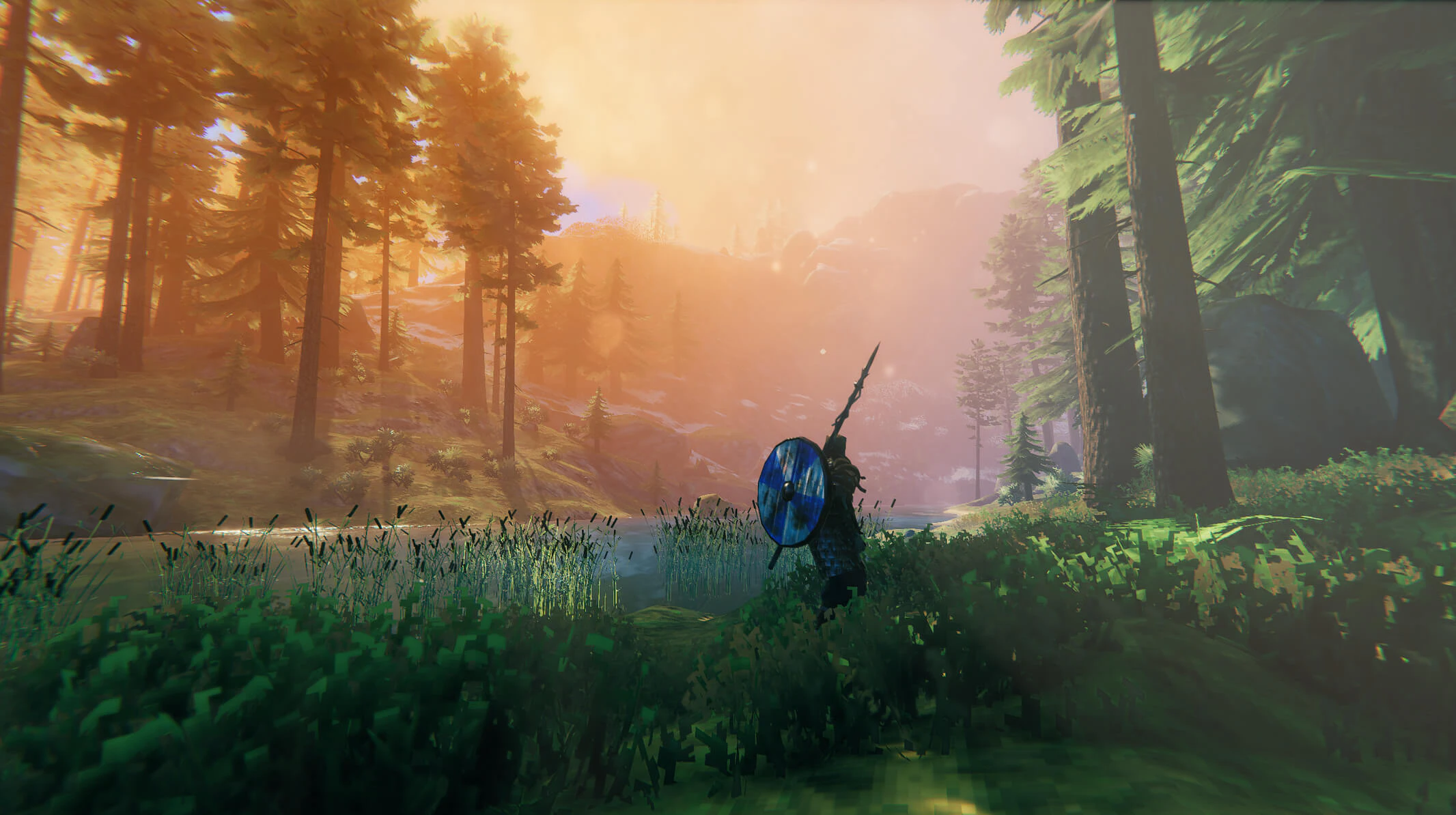
World creation and save-management screens used to record the seed, settings, owner, and recovery path.

World creation, backup, modifiers, migration, and multiplayer ownership form one operating workflow but remain different records. Decide which state to change and which state must remain untouched before making the change.

  • Write the world name, seed, owner, host, version, modifiers, and backup path before the first major gate.
  • Test loading, inventory, settings, joining, and portal access as separate checks after a restore.
  • Keep the previous backup and working join path until every intended player has confirmed the new state.

World state register

StateRecordAcceptance check
WorldName, seed, modifiers, version, and save pathThe intended world loads with the expected settings
OwnershipHost, administrator, password, and working join routeA second player can join, build, leave, and reconnect
RecoveryDated backup, previous setting, and restore ownerThe copy loads before the active world is changed

Confirm the shared result

The backup identifies the world, seed, owner, settings, version, and restore path.

If the setting or join test fails

  • Restore the copied world instead of editing the only active save.
  • Ask the server owner to confirm which state is authoritative.
  • Recheck world modifiers after a reset or provider migration.

Check the next multiplayer dependency

Sources

  1. [1]Valheim on Steam — Steam
  2. [2]50 Steps to STARTING A NEW VALHEIM WORLD PROPERLY! — YouTube

Was this helpful?