
Choose between a host world and a dedicated server
- Step 1: In Valheim, open Start Game, select the world, and choose the host/server option; for a dedicated server, start the server from its control panel and note the world name and password.
- Step 2: Have one player use Join Game or the recorded invite path, then test joining, sleeping, placing one building piece, leaving, and joining the same world again.
- Step 3: Write the working join path, game version, mod list, password, world owner, and backup owner in the group note before inviting everyone else.
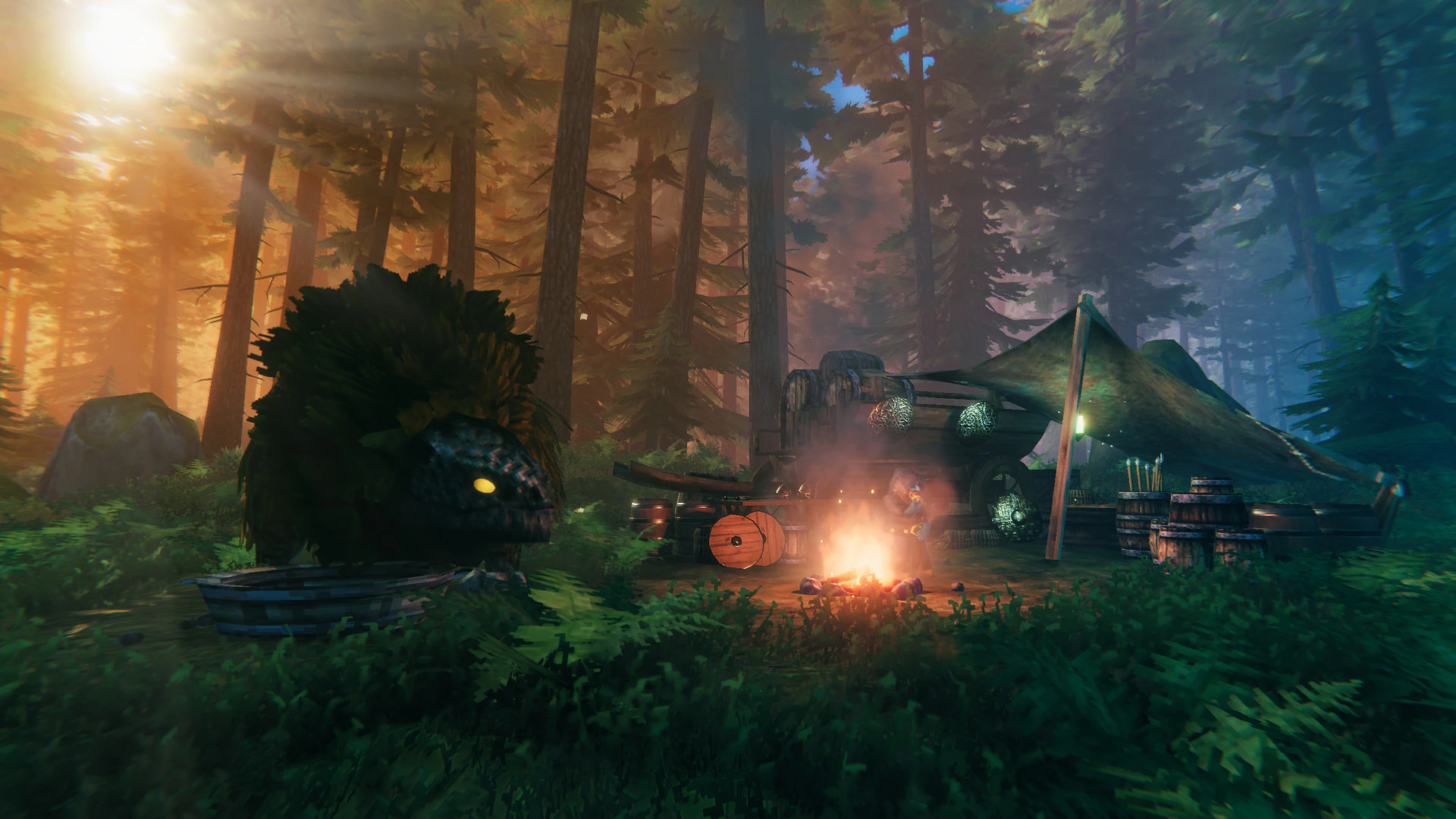
For a quick co-op session, the host selects a world, enables Start Server, sets a password, and invites the other Steam/Xbox players through the platform’s join flow. The host must remain online because the host owns the session. For an always-on world, install or rent a dedicated server, copy the world save to it, set the password and admin list, then give players the server address or Join Code. Crossplay must be enabled when the group includes supported PC and Xbox routes.
Multiplayer problems usually start with an unclear ownership model. Decide who owns the world, who controls the password and settings, and whether the group needs a host session or an always-on server before troubleshooting invitations.
- For a host world, the owner should create the world and perform the first join test while the others wait.
- For a dedicated server, keep the server save, password, version, and administrator in one shared note.
- Do not troubleshoot a join failure by changing several variables at once; test a clean client against the same world first.
Confirm the result in game
A second player can join, sleep, build, and reconnect without a version, mod, or ownership mismatch.
If joining or applying the setting fails
- Test a clean client with no mods.
- Ask the host to confirm the world is running and the invite is current.
- Restore the last shared rule set if a setting change caused the mismatch.