
Compare a texture pack in the scene where readability matters
- Step 1: Copy the vanilla profile or use a mod manager, read which assets the texture pack replaces, and install only that one pack.
- Step 2: Launch the game and check inventory icons, terrain edges, lighting, and the busiest base you use; compare the same scene with the vanilla profile.
- Step 3: Disable the pack or restore the managed vanilla profile when readability or performance drops, then test unrelated mods separately; keep the pack only when the same scene remains readable and stable.
- Step 4: Launch once, inspect the log and expected plugin/config path, then stop if the clean profile no longer loads.
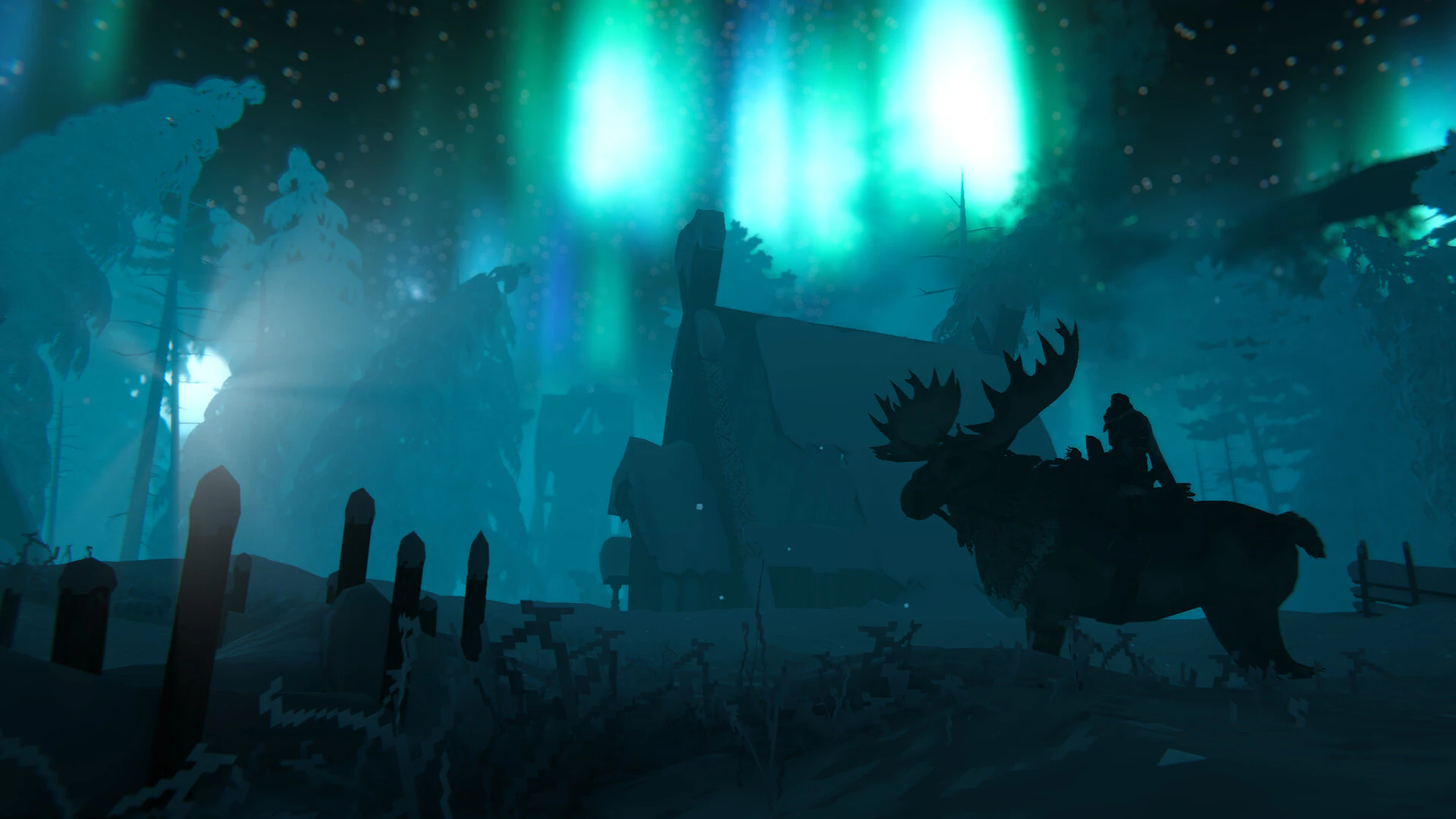
A texture pack replaces visual assets; it does not add recipes, creatures, or progression. Install it in the Mod’s documented asset folder or through the manager named by its release, keep the vanilla profile available, and use the same save, inventory, base, and route for the comparison. Because Valheim has no official Mod support, an outdated pack can cause missing textures, black materials, or a failed launch.
- Keep a managed vanilla profile beside the texture-pack profile.
- Compare the same inventory, base, and travel scene with one change at a time.
- Disable the pack when readability or performance drops, then test unrelated mods separately.
Roll back safely
- Disable the pack when icons or terrain become unreadable.
- Compare one pack at a time to identify a conflict.
- Restore the managed vanilla profile before troubleshooting unrelated mods.