
Find the right Valheim NPC answer
Valheim’s main NPCs have different roles: Haldor handles trade and fishing gear, Hildir handles clothing and dungeon chest rewards, the Bog Witch sells cooking and mead supplies, and the ravens deliver gameplay hints. NPC Mods are separate from these native characters.
- Merchants: Haldor, Hildir, and the Bog Witch have different inventories and camp biomes. Search the matching biome, then mark the camp and its nearby portal or landing point after you find it.
- Ravens: read the message as a hint about an action, object, or system. Follow the named action in a safe place, then return to the exact object page if the message introduces an unfamiliar term.
- NPC mods: keep these separate from native characters. A mod adds loader, dependency, save, multiplayer, and removal questions; the NPC Mods guide covers those checks.
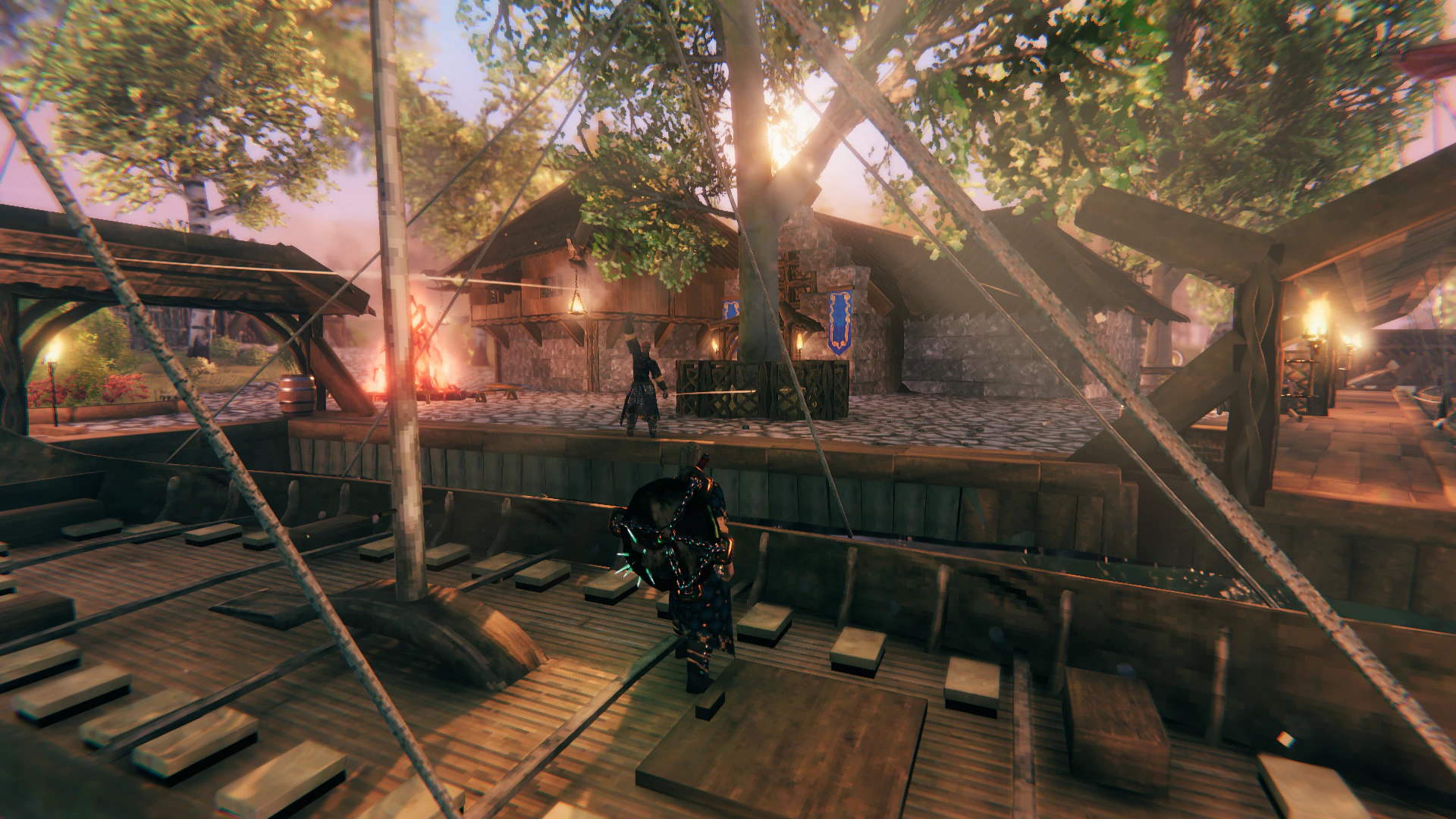
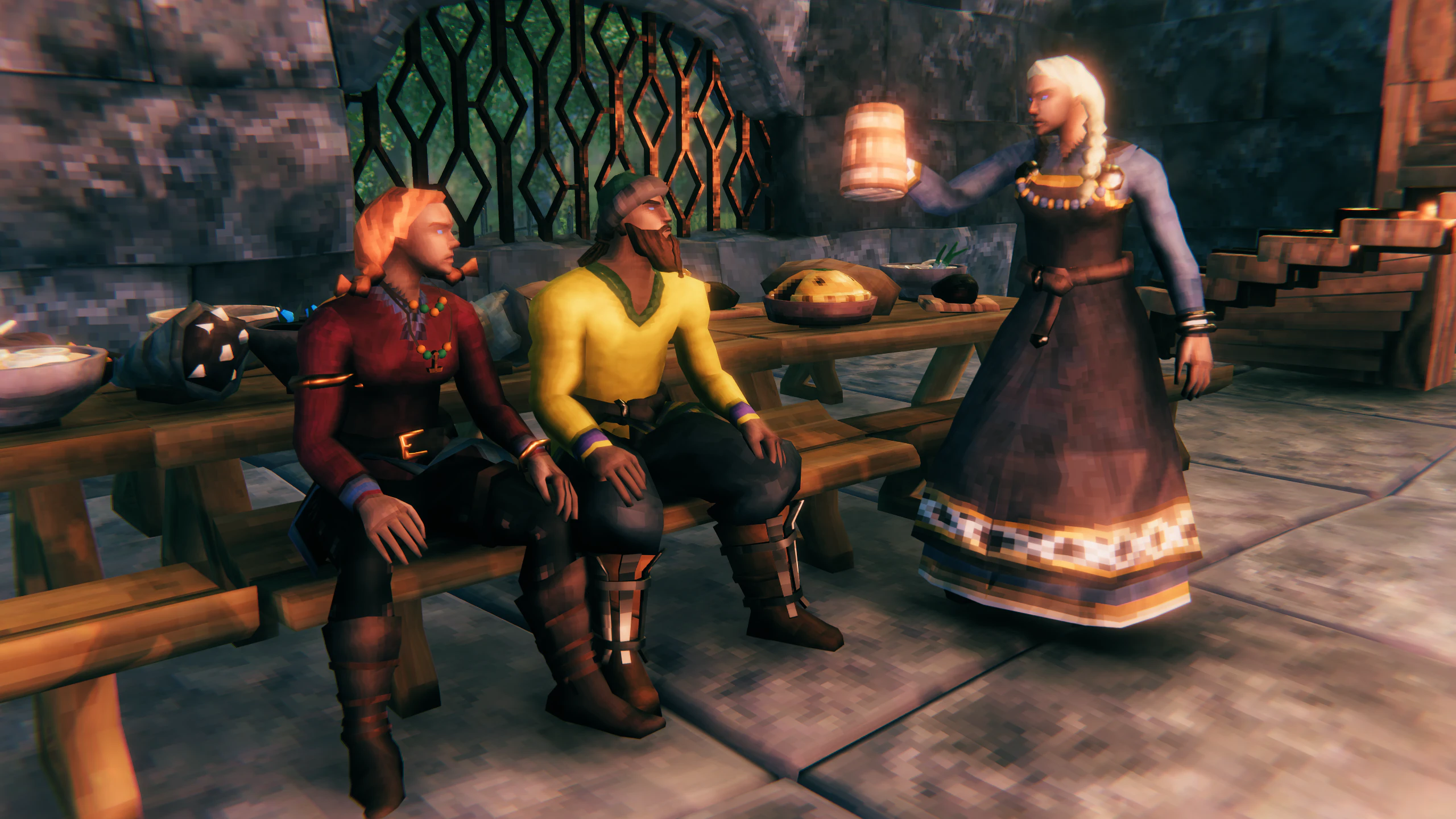
Trader search map
These are the best places to begin looking, not fixed coordinates. Valheim generates each world differently, so confirm the character, map icon, and service when you reach the camp before planning a large trade or building a portal there.
| Trader | First search area | Map signal | Player result |
|---|---|---|---|
| Haldor | Black Forest | Bag icon | Trade for survival equipment and useful expedition supplies. |
| Hildir | Meadows | Shirt icon | Trade for clothing and progress her request before expecting a larger stock. |
| Bog Witch | Swamp | Cauldron icon | Check the current stock before building a food or mead plan around it. |
The most useful stock differences are these: Haldor sells the Fishing Rod (350 Coins), Fishing Bait (10 Coins for 20), Megingjord (950 Coins), Ymir Flesh (120 Coins after The Elder), and Thunder Stone (50 Coins after The Elder); Hildir sells cosmetic clothing, the Barber Kit, fireworks, and unlocks more clothing after you return her Brass, Silver, and Bronze Chests; Bog Witch sells cooking and mead ingredients, with later stock tied to boss or progression defeats. Coins are also useful for buying the item you need, while Amber, Amber Pearl, Ruby, and other valuables can be sold to a trader.
Hildir’s chest turn-ins are not ordinary purchases: return the Brass, Silver, and Bronze Chest to expand her shop and reveal the related dungeon locations on her map table. If the goal is fishing or carry capacity, search for Haldor; if it is clothing or Hildir’s dungeon rewards, search for Hildir; if it is a food or mead ingredient, search for Bog Witch.
The biome and icon are directions, not coordinates. The camp location depends on your world seed, so mark the camp after you find it. If a patch changes merchant stock, discovery rules, or map presentation, check the trader again before planning a new route.
A safe search routine
- Write down the service you need: buy an item, sell loot, understand a hint, or test a companion.
- Search the exact character or system name, then confirm the game version and world type before travelling.
- Travel with a recovery plan. Leave rare cargo at the staging base and mark the route, portal, shore, or nearby safe shelter.
- Interact once, confirm the expected result, and place a map marker before moving on.
- If the character is missing, check the world and version first; do not install an NPC mod as a substitute for locating a native merchant.
When the first search fails, use a controlled recovery loop:
- Confirm that you are on the intended world and that the map marker was not placed on a different island or server map.
- Check whether the search term refers to a native character, a boss encounter, a quest-related character, or a modded NPC.
- Return to the nearest safe base, reduce valuable cargo, and continue scouting from a known coast or portal.
- Mark the discovered location immediately and write the world name, version, service, and nearby landing point beside it.
- If the character still cannot be confirmed, stop changing the save and record the unresolved condition instead of installing a second NPC system as a guess.
Native NPCs versus NPC mods
The two searches are easy to confuse but lead to different player outcomes. Native characters are part of the world’s normal exploration and interaction loop. An NPC mod changes the game profile and may alter saves, dependencies, or multiplayer requirements. Test any mod in a copied world before opening the main progression save.
The Valheim Wiki guide explains how to search by action and exact object. The world guide helps you record ownership, version, and backup details before changing a shared save.
What success looks like
The task is complete when you know which character or system provides the service, can reach it again through a map marker or safe route, and have confirmed the interaction in the intended world. If the result depends on a mod, the copied profile must also survive save, reload, multiplayer, and removal checks before the main world is changed.
For a reliable trade route, keep four things together: the service you needed, the character you found, the map marker and route back to the camp, and the version or Mod that may change the result. A name alone is not enough when the camp is in a procedurally generated world.