
Test an NPC mod beyond the first appearance
- Step 1: Create a copied world and install the NPC mod with its documented loader, dependency, and configuration; record the original save state first.
- Step 2: Recruit or create one NPC, test its movement, combat, inventory, save, and reload behavior, and check whether the state remains after reopening the world.
- Step 3: Disable the plugin, reload the copy, and confirm the world still opens before discussing a shared-server installation.
- Step 4: Launch once, inspect the log and expected plugin/config path, then stop if the clean profile no longer loads.
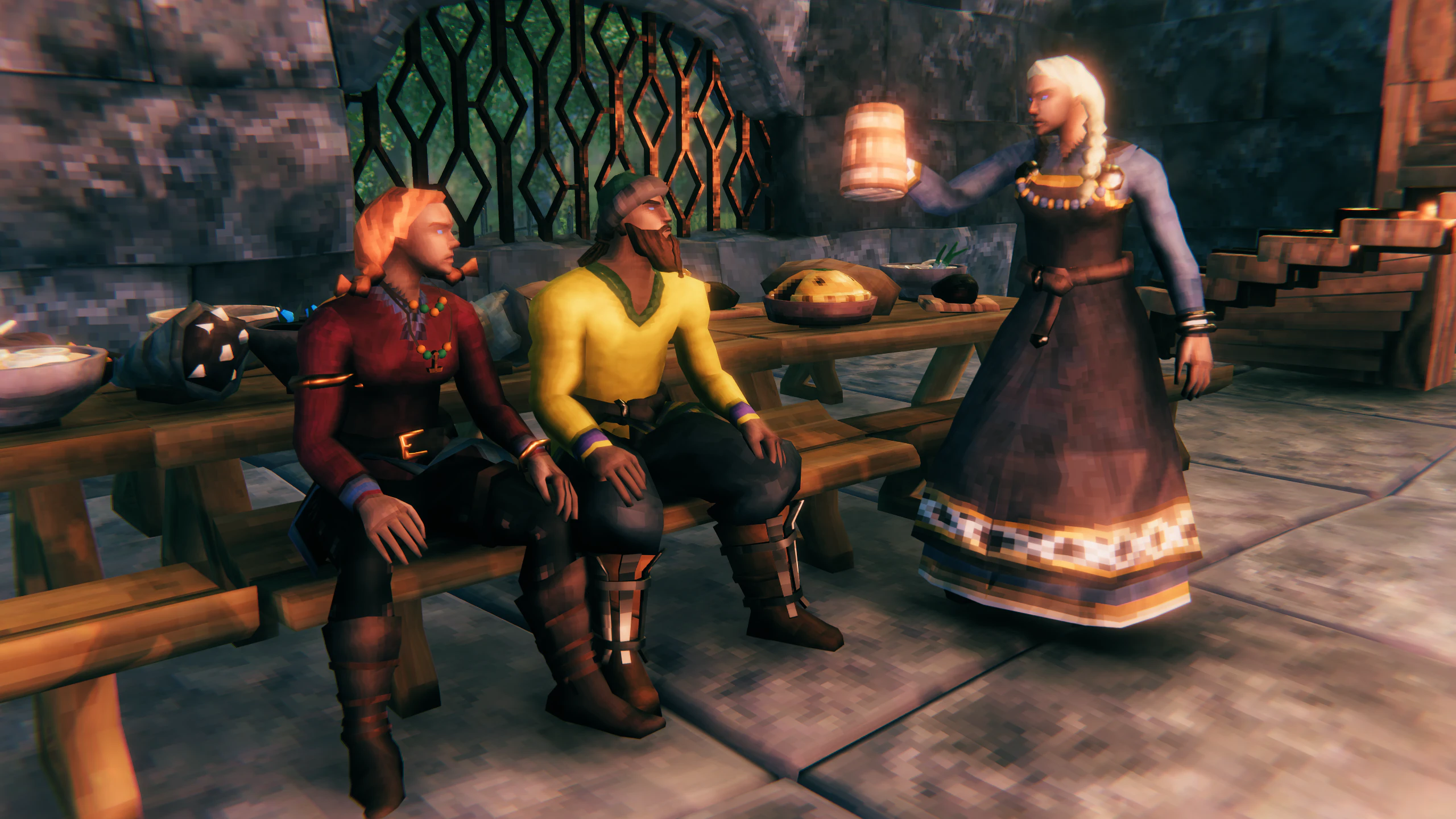
Native Valheim NPCs are Haldor, Hildir, the Bog Witch, and the ravens. An “NPC Mod” adds third-party characters and is not required to meet those native traders. The exact NPC Mod must be identified before installation because its loader, dependency, spawn command, dialogue, inventory, and multiplayer requirements vary by release. Use a clean BepInEx profile, install the named dependency, and follow that Mod’s own spawn or configuration instructions.
NPC Mods change more state than a visual spawn. The meaningful test is whether the NPC can perform its intended job, survive a reload, behave consistently for the group, and leave the save cleanly when the plugin is removed.
Use a clean profile with only the loader and the NPC dependency enabled. Spawn one NPC near a workbench, test one command or interaction, save, restart, and check whether the NPC returns in the same state. Only after that sequence works should you test compatibility with a larger mod list or a shared server.
- Record the loader, dependency, configuration, and supported version before installation.
- Use one NPC and one repeatable action before adding more content.
- Disable the plugin and reload the copy before discussing a shared-server installation.
Roll back safely
- Disable the NPC plugin and reload the copy when state is corrupted.
- Compare the loader and dependency versions.
- Keep a vanilla backup before any shared-server test.