
Compare an attack-animation mod against a clean baseline
- Step 1: Create a copied combat-test world, install the loader and one attack-animation plugin, and record the original attack timing before entering the world.
- Step 2: Use the same weapon against the same safe target, then trigger one raid or combat encounter and record stamina, hit timing, and enemy behavior.
- Step 3: Save, reload, disable the plugin, and compare the clean result before adding any plugin that changes raids, stats, items, or progression.
- Step 4: Launch once, inspect the log and expected plugin/config path, then stop if the clean profile no longer loads.
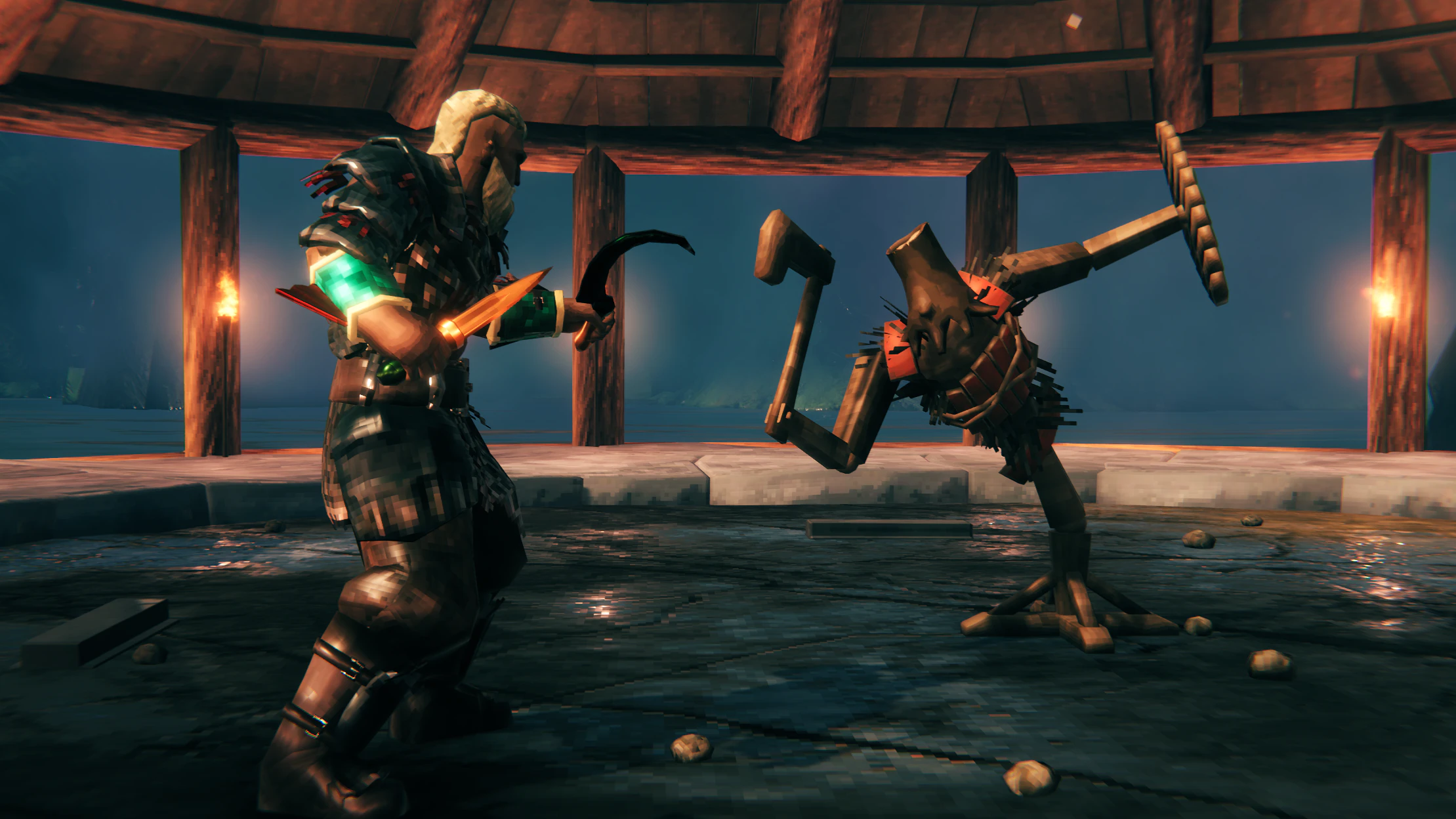
There is no single official “Valheim attack animation mod”; this query refers to third-party combat Mods that replace attack animations or movesets. The exact DLL, loader, dependency, and supported game version must come from the named Mod’s release page. A combat animation Mod can alter attack timing, stamina use, hitboxes, combo inputs, and sometimes enemy or raid behavior even when its title says “animation”.
Before installing, write down the Mod name and release version. Compare one normal attack against the same target in a copied world, then check stamina, damage timing, parry windows, raids, and save loading before using it on a shared server.
- Record one normal attack sequence before installing the plugin.
- Repeat the same attack and a small combat encounter after installation.
- Disable the plugin and reload the copied world before adding another mod that changes stats or progression.
Roll back safely
- Disable the latest plugin when combat or raids change unexpectedly.
- Return to the copied world before testing another dependency.
- Do not open the main save with an incomplete loader.