Skip to content
Powered by Pagefind
Valheim Commands

Valheim Console Commands: Enable Devcommands Safely

9/12/2026 Valheim 1.0 Last updated: 9/12/2026 2 min read

FAQ

What should I prepare first?
Open a copied or disposable world, press F5, type `devcommands`, and wait for the confirmation message before using another command.
What should I verify before using the result in a shared world?
The command, world, version, and resulting state are recorded before the save is reused.

Interactive checklist

Choose the safe console test

Select the kind of developer-console action you need and keep the test isolated from progression.

Resolve the Item ID first, then test the smallest quantity in a copied world.

0/3 complete

Code finder

Find a command or internal ID

Search the local reference index by English name, ID, or command. An ID is the object name; the command decides what the game does with it.

24 results shown Showing up to 24 cards. Narrow the search to find a specific record.

Creatures / bosses

Abomination

Abomination

The spawn ID and star-level commands for Abomination in Valheim, plus its drops, resistances, and where it spawns.

spawn Abomination 1

Creatures / bosses

Anglerfish

Fish9

The spawn ID and star-level commands for Anglerfish in Valheim, plus its drops, resistances, and where it spawns.

spawn Fish9 1

Creatures / bosses

Asksvin

Asksvin

The spawn ID and star-level commands for Asksvin in Valheim, plus its drops, resistances, and where it spawns.

spawn Asksvin 1

Creatures / bosses

Asksvin Hatchling

Asksvin_hatchling

The spawn ID and star-level commands for Asksvin Hatchling in Valheim, plus its drops, resistances, and where it spawns.

spawn Asksvin_hatchling 1

Creatures / bosses

Aspect of the Crawling Matriarch

Aspect_SeekerQueen

The spawn ID and star-level commands for Aspect of the Crawling Matriarch in Valheim, plus its drops, resistances, and where it spawns.

spawn Aspect_SeekerQueen 1

Creatures / bosses

Aspect of the Dragon Mother

Aspect_Moder

The spawn ID and star-level commands for Aspect of the Dragon Mother in Valheim, plus its drops, resistances, and where it spawns.

spawn Aspect_Moder 1

Creatures / bosses

Aspect of the Emerald Flame

Aspect_Fader

The spawn ID and star-level commands for Aspect of the Emerald Flame in Valheim, plus its drops, resistances, and where it spawns.

spawn Aspect_Fader 1

Creatures / bosses

Aspect of the Lightning Stag

Aspect_Eikthyr

The spawn ID and star-level commands for Aspect of the Lightning Stag in Valheim, plus its drops, resistances, and where it spawns.

spawn Aspect_Eikthyr 1

Creatures / bosses

Aspect of the Living Forest

Aspect_Elder

The spawn ID and star-level commands for Aspect of the Living Forest in Valheim, plus its drops, resistances, and where it spawns.

spawn Aspect_Elder 1

Creatures / bosses

Aspect of the Twisted Soul

Aspect_Yagluth

The spawn ID and star-level commands for Aspect of the Twisted Soul in Valheim, plus its drops, resistances, and where it spawns.

spawn Aspect_Yagluth 1

Creatures / bosses

Aspect of the Writhing Dead

Aspect_Bonemass

The spawn ID and star-level commands for Aspect of the Writhing Dead in Valheim, plus its drops, resistances, and where it spawns.

spawn Aspect_Bonemass 1

Creatures / bosses

Aspect_TentaRoot

Aspect_TentaRoot

The spawn ID and star-level commands for Aspect_TentaRoot in Valheim, plus its drops, resistances, and where it spawns.

spawn Aspect_TentaRoot 1

Creatures / bosses

Baby Seal

Seal_Pup

The spawn ID and star-level commands for Baby Seal in Valheim, plus its drops, resistances, and where it spawns.

spawn Seal_Pup 1

Creatures / bosses

Barka

Barka

The spawn ID and star-level commands for Barka in Valheim, plus its drops, resistances, and where it spawns.

spawn Barka 1

Creatures / bosses

Bat

Bat

The spawn ID and star-level commands for Bat in Valheim, plus its drops, resistances, and where it spawns.

spawn Bat 1

Creatures / bosses

Bat

Bat_Swamp

The spawn ID and star-level commands for Bat in Valheim, plus its drops, resistances, and where it spawns.

spawn Bat_Swamp 1

Creatures / bosses

Bear

Bjorn

The spawn ID and star-level commands for Bear in Valheim, plus its drops, resistances, and where it spawns.

spawn Bjorn 1

Creatures / bosses

Bear

Bjorn_sleeping

The spawn ID and star-level commands for Bear in Valheim, plus its drops, resistances, and where it spawns.

spawn Bjorn_sleeping 1

Creatures / bosses

Bjorn_spiritcaller

Bjorn_spiritcaller

The spawn ID and star-level commands for Bjorn_spiritcaller in Valheim, plus its drops, resistances, and where it spawns.

spawn Bjorn_spiritcaller 1

Creatures / bosses

Blob

Blob

The spawn ID and star-level commands for Blob in Valheim, plus its drops, resistances, and where it spawns.

spawn Blob 1

Creatures / bosses

Blob

BlobAspect

The spawn ID and star-level commands for Blob in Valheim, plus its drops, resistances, and where it spawns.

spawn BlobAspect 1

Creatures / bosses

Boar

Boar

The spawn ID and star-level commands for Boar in Valheim, plus its drops, resistances, and where it spawns.

spawn Boar 1

Creatures / bosses

Boar Piggy

Boar_piggy

The spawn ID and star-level commands for Boar Piggy in Valheim, plus its drops, resistances, and where it spawns.

spawn Boar_piggy 1

Creatures / bosses

Boar_spiritcaller

Boar_spiritcaller

The spawn ID and star-level commands for Boar_spiritcaller in Valheim, plus its drops, resistances, and where it spawns.

spawn Boar_spiritcaller 1

Safety note: these are version-sensitive developer-console references. Test one command in a copied or disposable world, enable the console only where you have permission, and save only after the result is what you intended. Do not treat every ID as a spawnable object.

Keep developer commands in a test world

  1. Step 1: Open a copied or disposable world, press F5, type devcommands, and wait for the confirmation message before using another command.
  2. Step 2: Enter one command such as spawn [prefabName] [amount] [level], press Enter, and inspect the result in the world or inventory.
  3. Step 3: Type save, close the console, reload the copied world, and compare the result with the planned test before returning to the normal progression save.
devcommands
save
spawn [prefabName] [amount] [level]
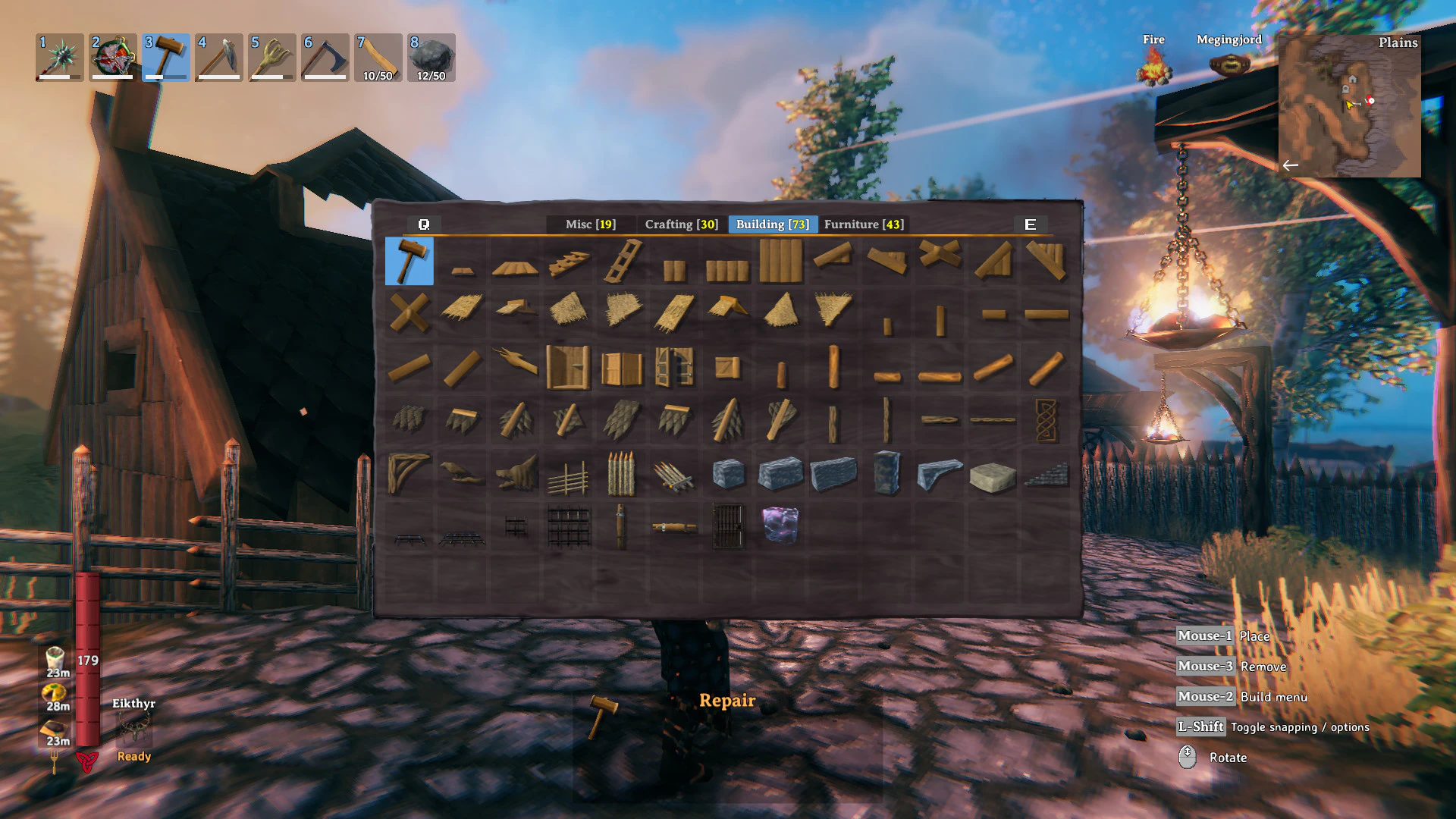
console and developer commands: identify the setting, command, or join screen needed for this task.

Console commands are valuable for checking an item, prefab, or behavior, but the test boundary protects the normal save. One command, one saved result, and one reload make it possible to tell what changed.

  • Open a copied or disposable world before enabling devcommands.
  • Use the smallest command that answers the question and inspect the world or inventory immediately.
  • Save the test result, reload the copy, and keep the normal progression save outside the experiment.

Console test boundaries

NeedFind firstVerify in the copy
ItemItem ID and the spawn parameter orderThe expected object appears in the inventory
Creature or bossCharacter ID and a clear test areaThe expected entity appears at the intended level
CommandCommand syntax and required parametersThe world or player state changes exactly once

Confirm the shared result

The command, world, version, and resulting state are recorded before the save is reused.

If the setting or join test fails

  • Stop issuing commands when the result differs from the plan.
  • Restore the copied save or backup instead of trying several fixes at once.
  • Keep developer testing separate from normal progression.

Check the next multiplayer dependency

Sources

  1. [1]Valheim on Steam — Steam
  2. [2]50 Steps to STARTING A NEW VALHEIM WORLD PROPERLY! — YouTube

Was this helpful?