
Use PlanBuild without risking the main world
- Step 1: Create a disposable or creative test world, install the blueprint tool, and import a small design rather than the full base.
- Step 2: Open the tool’s blueprint/import action, place one section, and check whether the preview shows normal material costs, permissions, and removal controls.
- Step 3: Remove the test structure, reload the clean profile, and only then import the design into the shared survival world with a vanilla backup of the build area.
- Step 4: Launch once, inspect the log and expected plugin/config path, then stop if the clean profile no longer loads.
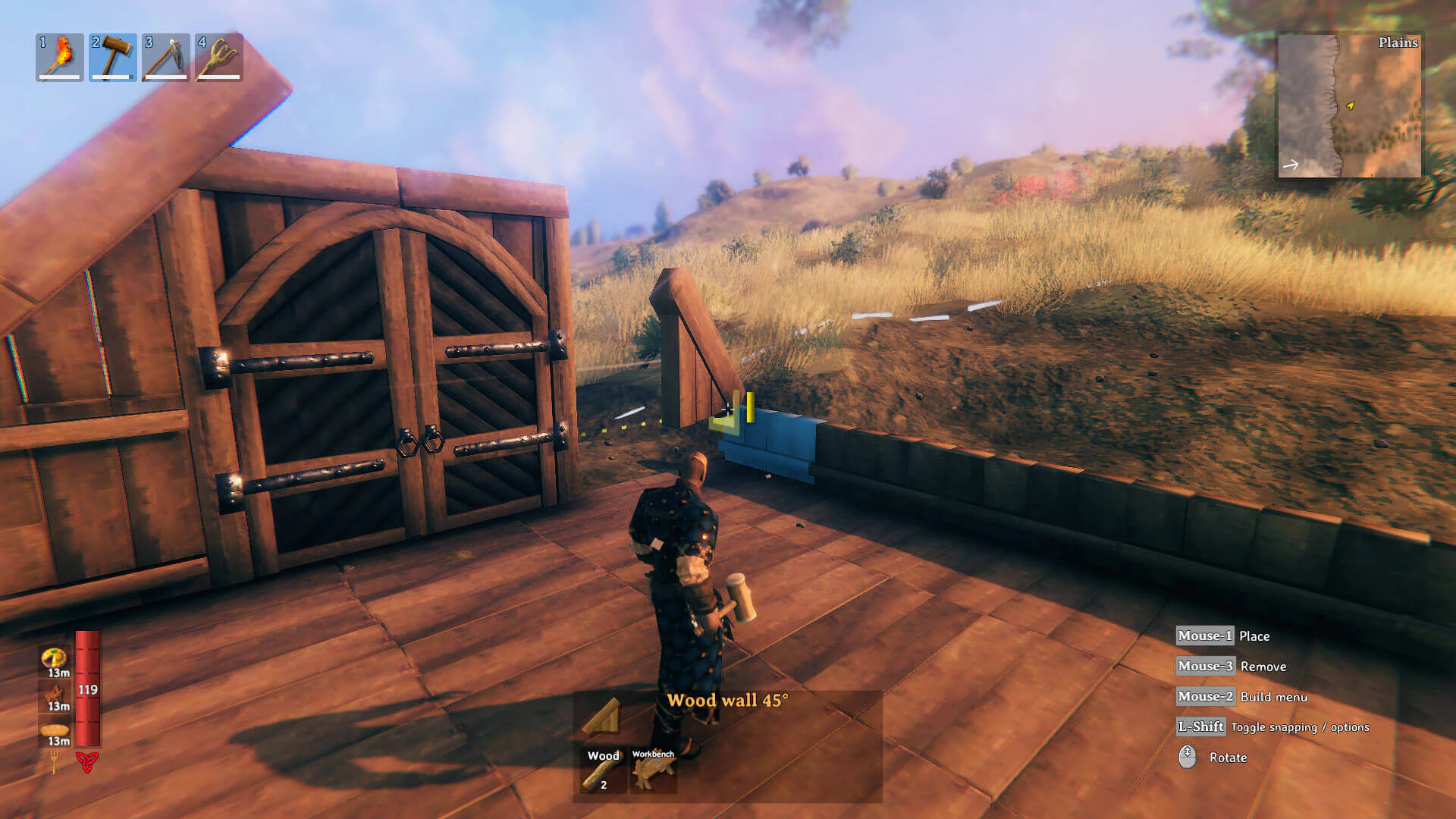
PlanBuild can save placement time, but it does not bypass the world’s building rules. A design can fail because the required pieces are locked, the loader or blueprint tool is the wrong version, or the current site cannot supply the listed materials.
- Use a disposable or creative world and import one small section.
- Check the preview, material requirements, removal action, and reload behavior before touching the survival base.
- Keep a vanilla backup of the build area until the design has passed the small test.
PlanBuild is the Mod that creates, imports, and places blueprints. A blueprint is only a saved building design; it does not unlock building pieces or provide the required materials. Check the loader and Mod version before copying files from a download page.
Install and open the blueprint workflow
PlanBuild is a BepInEx Mod and normally requires BepInExPack for Valheim, HookGenPatcher, and Jötunn. Use the current release or a Mod manager for the files. The older tutorial linked below shows the interface, but its files may not work with Valheim 1.0. Launch the test profile once and confirm that BepInEx loads before opening a survival world.
In the Modded test world, pick up a stone to learn the BlueprintRune recipe, craft or place the rune, and open its Blueprints tab. Put downloaded .blueprint or .vbuild files in the PlanBuild blueprint folder used by your installed release. Select one small design and place its ghost preview. By default the result is a planned structure that still requires normal materials; direct building is a separate option in the Mod settings. If the tab, rune, or preview is missing, check the loader, dependency versions, and folder layout before changing the save.
Before placing a blueprint, check:
| Check before placement | Problem it can reveal |
|---|---|
| Game version, loader, and tool version | A page or blueprint built for another environment. |
| World copy and build-area backup | Irreversible changes to the survival structure. |
| Missing pieces and material list | A preview that looks complete but cannot be finished. |
| Removal command and reload result | A test that appears clean until the next launch. |
PlanBuild releases, loaders, downloads, and server settings can become incompatible after a Valheim update. If the current release does not match your game, test it in the disposable profile and do not move the blueprint to the survival world.
Roll back safely
- Keep a vanilla copy of the build area.
- Remove only the last imported structure when testing cleanup.
- Disable the tool before loading the save without its dependencies.
If the test world stops loading, do not keep opening the main save with the same profile. Close the game, restore the vanilla copy, disable the last tool or dependency, and confirm that the clean profile loads before testing another version. If the blueprint places the wrong pieces, remove only the test section and compare the required piece list with the current building menu. If a shared server cannot see the import, record whether the tool is client-side, server-side, or required on every client before repeating the test.
The import is successful only when the small design can be placed, the material and permission behavior is understood, the test section can be removed, and the clean profile can reload. A screenshot of a successful placement alone is not enough evidence for a shared survival world.